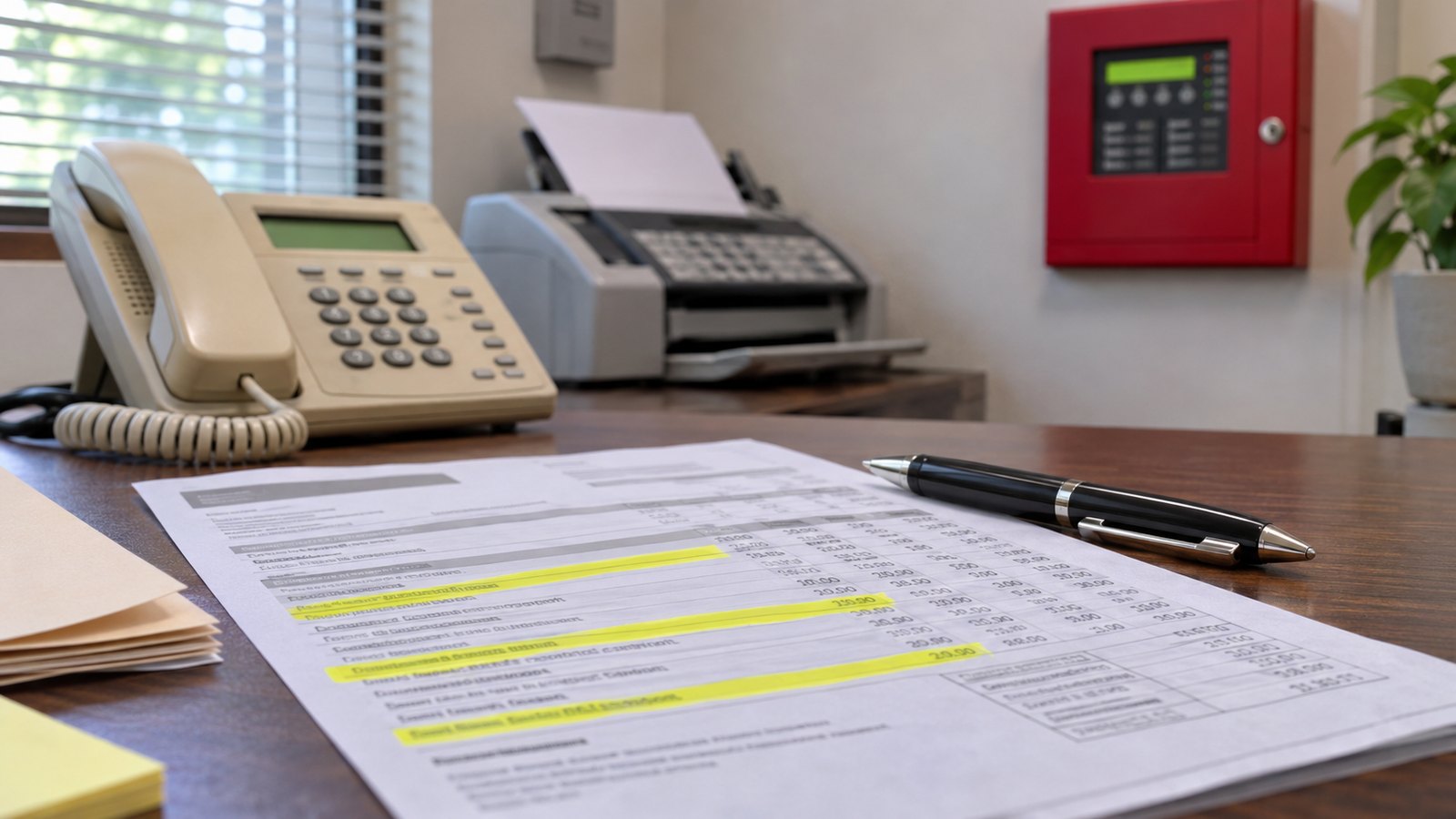
How to Find Every POTS Line on Your Phone Bill
When the phone company sends a copper retirement notice, the first question is simple: how many lines do we have? Most owners guess low. The answer is already on your phone bill, if you know where to look.
Start with the full bill, not the summary
The online summary shows one total. You need the itemized pages: the full PDF statement or paper bill, every page. If your business has more than one account, for the building, the alarm or the fax, get each one.
Count the line charges
Look for:
- Each phone number listed with its own monthly charge
- Labels like “business line,” “local line,” “flat rate line” or “measured line”
- Short codes next to them, such as 1FB or 1MB, the phone company’s codes for a single business line
- The federal subscriber line charge, sometimes shown as an “FCC line charge.” It is billed once per line, so counting it is a quick cross-check.
Look for the lines nobody calls
The lines that matter most rarely ring:
- Fire alarm panel, often two lines
- Elevator emergency phone
- Security alarm
- Gate or door entry keypad
- Fax machine
- Older credit card terminals
These often sit on a separate account, billed to the building owner, the property manager or the alarm company. If you rent, ask your landlord.
Ask for the Customer Service Record
For a complete list, call your carrier and ask for the Customer Service Record, or CSR, for every account. It lists each number, its features and its service address. It is free, and it is the same document a new provider needs to move your numbers.
Match each line to something on the wall
The bill tells you what you pay for. A walk through the building tells you what each line does. Check the phone room, the alarm and fire panels, the elevator and the front desk, and write each number next to the device it feeds. Lines you cannot match are often lines you are still paying for and no longer use.
What to do with the list
Now you know what has to move before the copper is shut off and what you can cancel. Each type of line has its own replacement path, and our POTS line replacement page walks through them.
The short answer
Your bill shows every line you pay for. The CSR shows the details. A walk through the building shows what each line does.
Want a second set of eyes? Book a free line survey. I will go through your bill line by line, walk the panels with you, and leave you a written count of what is on copper and what each line does.